.svg?fit=max&auto=format&n=NcRYOCfKJkO5rLTb&q=85&s=fd0faab3fa561bdd2e9b10fd042c5bf0)
Overview of Student Dashboard
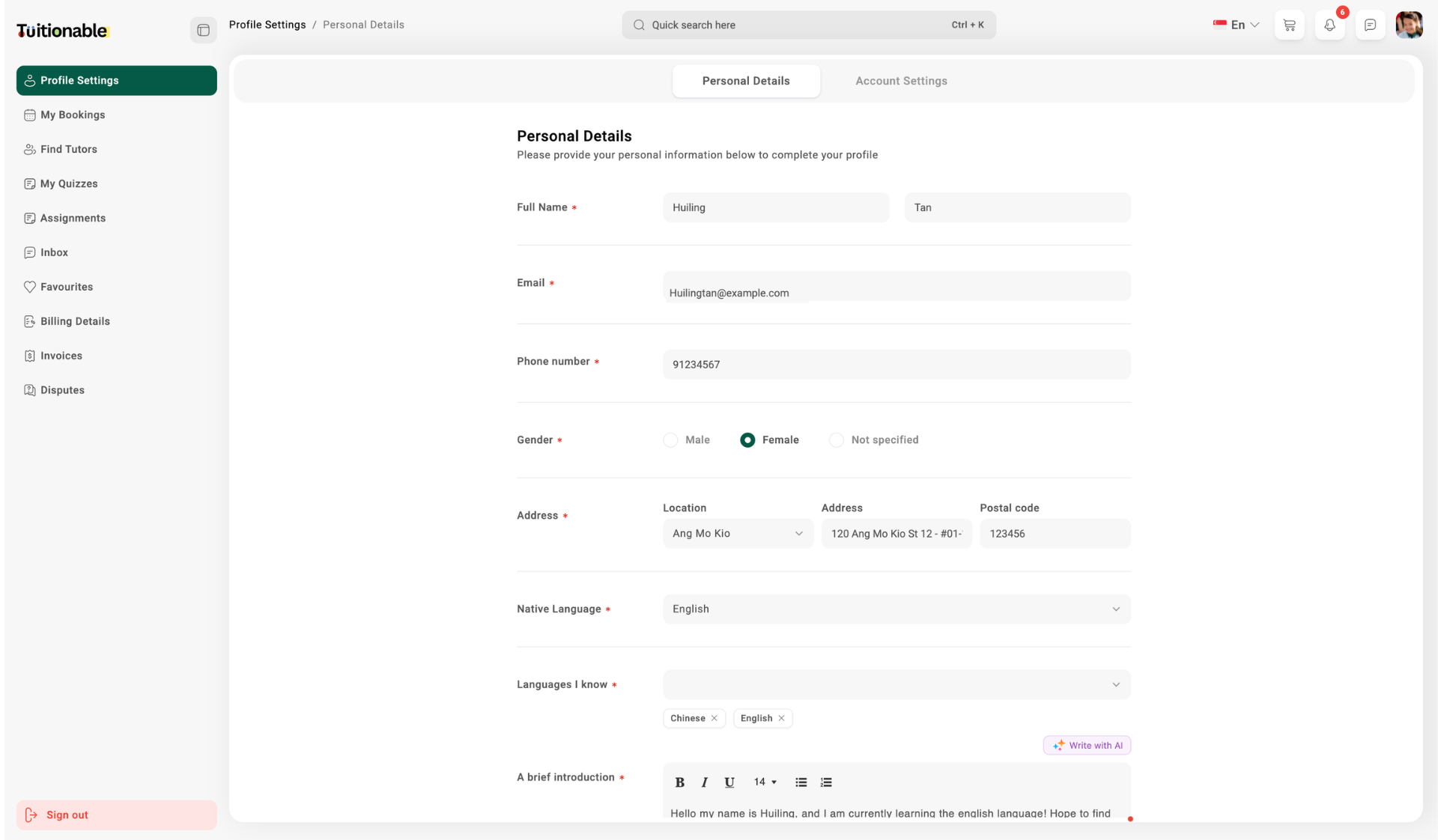
The dashboard is designed to help students efficiently manage the following sections:- Bookings: View and manage upcoming, completed, or rescheduled sessions directly from the dashboard.
- Profile Settings: Update personal information, including name, email, phone number, and profile photo.
- Billing Details: Add or edit billing information such as company name, address, and contact details.
- Favorites: Save and manage a list of favorite tutors for quick access to bookings and communications.
- Messages: Access the messaging system to communicate directly with tutors.
- Invoices: View and download session payment details and transaction history.