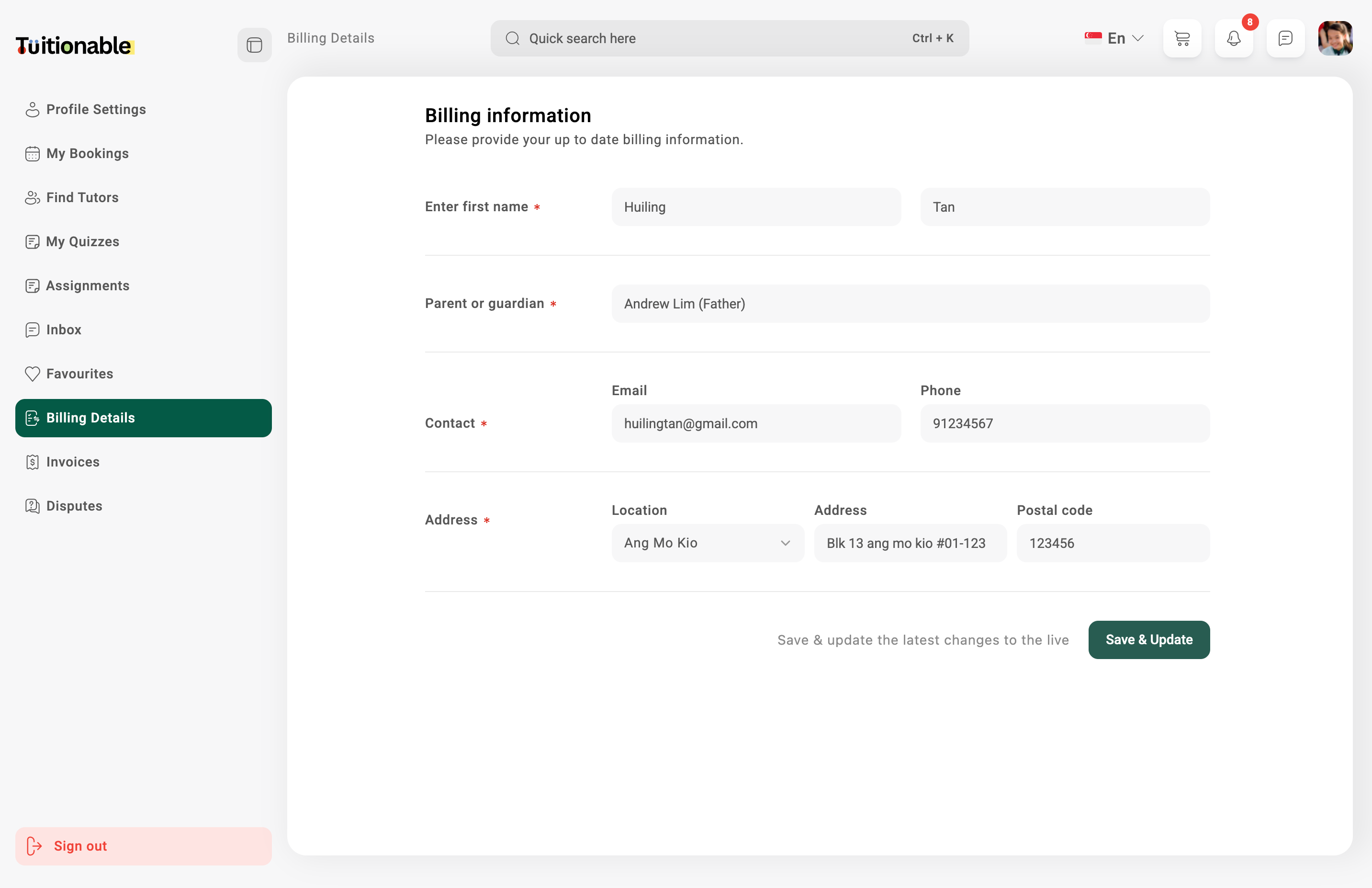
.svg?fit=max&auto=format&n=NcRYOCfKJkO5rLTb&q=85&s=fd0faab3fa561bdd2e9b10fd042c5bf0)
Steps to Update Billing Information
- Enter Personal Information:
- First Name & Last Name: Fill in your complete name.
- Parent or Guardian: Enter your parent or guardian name.
- Provide Contact Details:
- Email: Add a valid email address for billing communications.
- Phone: Include your phone number for contact purposes.
- Enter Address:
- Location: Select your location from the dropdown list.
- Address: Input your full address.
- Postal Code: Input your postal code.
How to Save Changes
After entering all the required details, click the Save & Update button at the bottom-right corner. This ensures your information is securely saved and reflects in the system for future transactions.Fields Overview
- Enter First Name & Last Name: Required fields to input your full name.
- Parent or Guardian: Applicable if billing is under a parent or guardian consent.
- Email: Valid email address for communication purposes.
- Phone: A working phone number for contact.
- Address:
- Location: Select your location.
- Address: Specify your address.
- Postal Code: Provide your postal code.
Example Interface
Below is the visual representation of the Billing Detail section where students can input and update their details: