.svg?fit=max&auto=format&n=NcRYOCfKJkO5rLTb&q=85&s=fd0faab3fa561bdd2e9b10fd042c5bf0)
Key Features
-
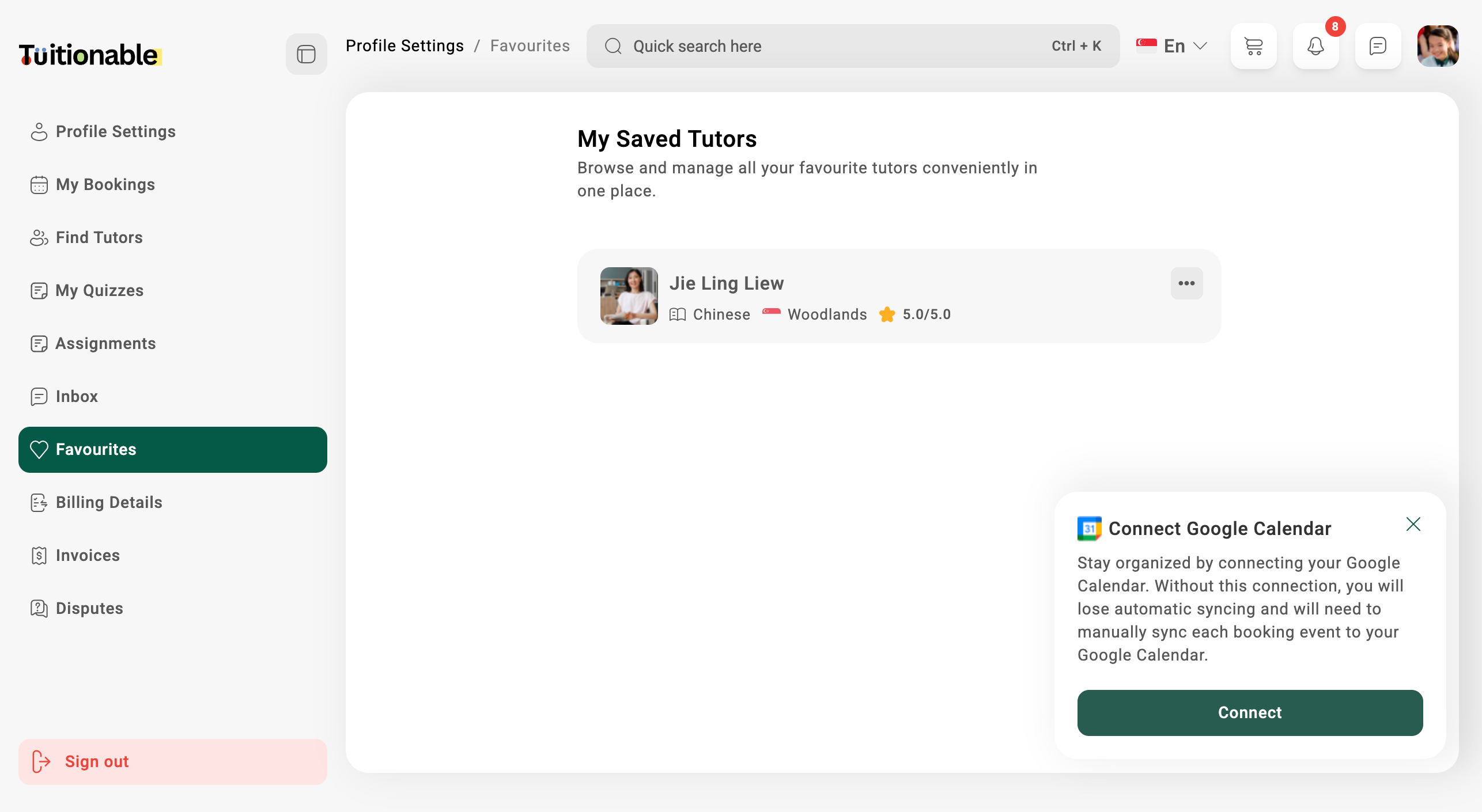
View Saved Tutors:
A list of all tutors marked as favorites will be displayed. Each entry includes the following details:
- Tutor Name: Displayed prominently at the top of the card.
- Languages: Shows the languages the tutor can speak (e.g., English, Chinese, Malay).
- Location: The tutor’s location (e.g., Woodlands, Tampines, Chua Chu Kang).
- Ratings: A visual rating (e.g., 0.0/5.0).
-
Manage Favourite Tutors:
- View Tutor Profile: Click on the ellipsis menu (**…**) next to the tutor’s name and select the View Profile option. This allows students to view detailed information about the tutor.
- Remove from Favourites: If a tutor is no longer needed in the favorites list, use the ellipsis menu and select Remove from list to delete the tutor.
Example View
Below is an example of the Favourites section displaying saved tutors: