.svg?fit=max&auto=format&n=NcRYOCfKJkO5rLTb&q=85&s=fd0faab3fa561bdd2e9b10fd042c5bf0)
Manage Payout Settings
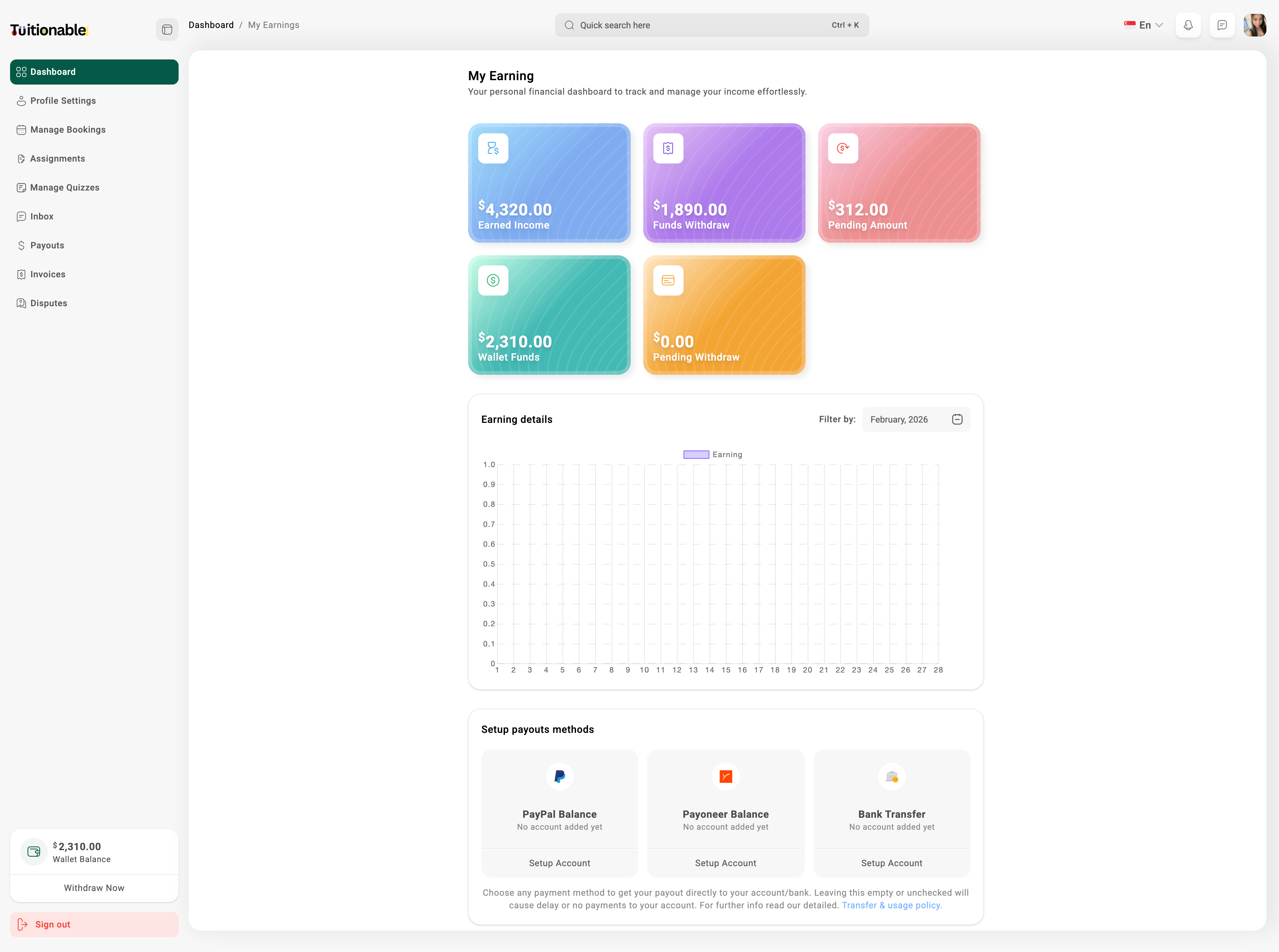
- Go to the Insights section from the main dashboard.
- Click on Setup Payouts Methods.
- Select your preferred payout method (e.g., PayPal, Payoneer, or Bank Transfer).
- Click on Setup Account under the desired payment method and enter the required account details.
- Click Save to update your payout settings.
View Earnings Graph
- In the Insights section, locate the My Earnings panel.
- Here, you can see your Earned Income, Funds Withdrawn, Pending Amount, and Wallet Funds.
- Below the panels, view the Earnings Graph which displays your earnings over a selected period.
- Use the Filter by option to select a specific month or custom date range to analyze your earnings.