.svg?fit=max&auto=format&n=NcRYOCfKJkO5rLTb&q=85&s=fd0faab3fa561bdd2e9b10fd042c5bf0)
Complete
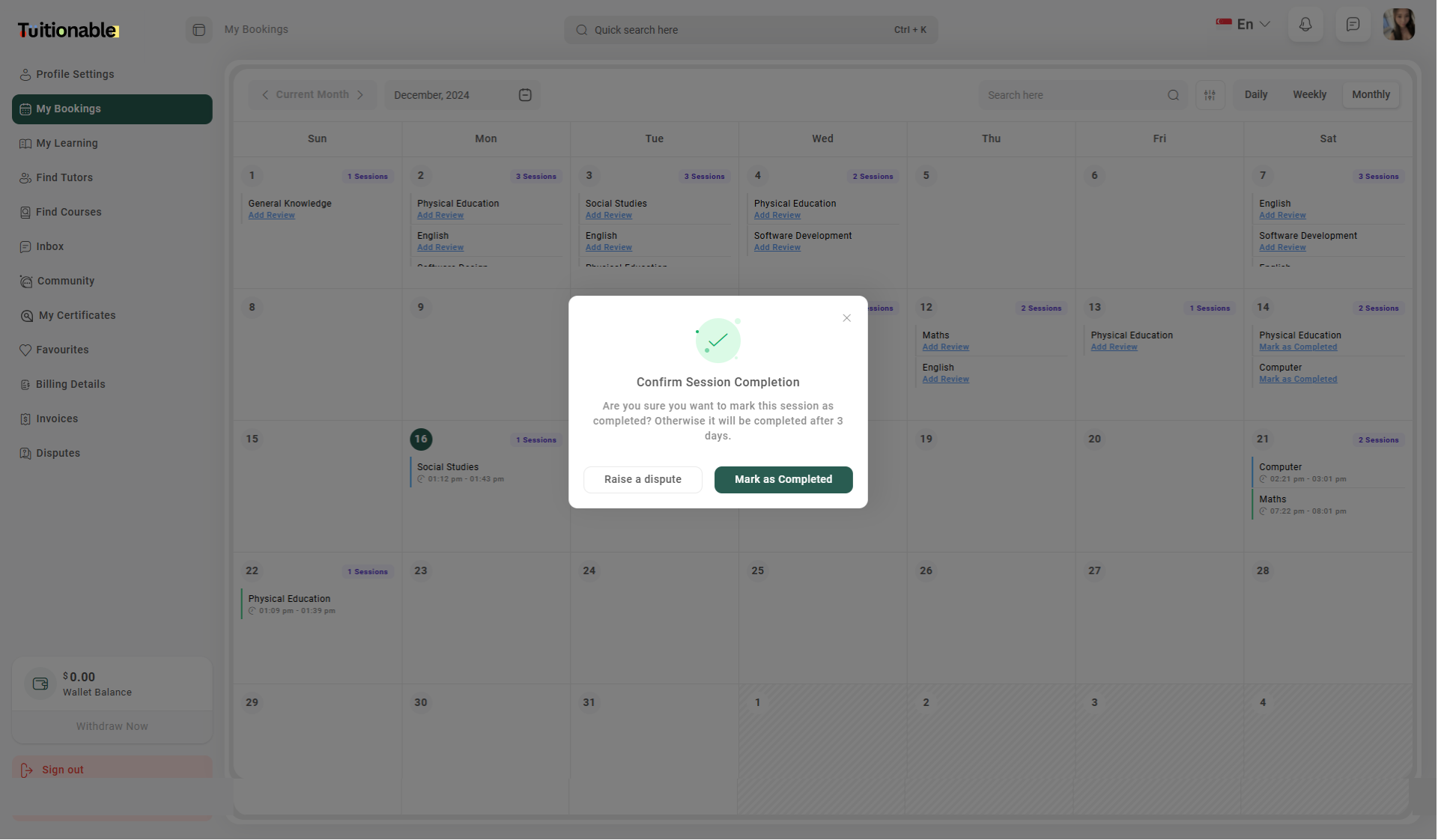
- On the Mark as Complete popup will disappear and the booking will be marked as complete.
Dispute
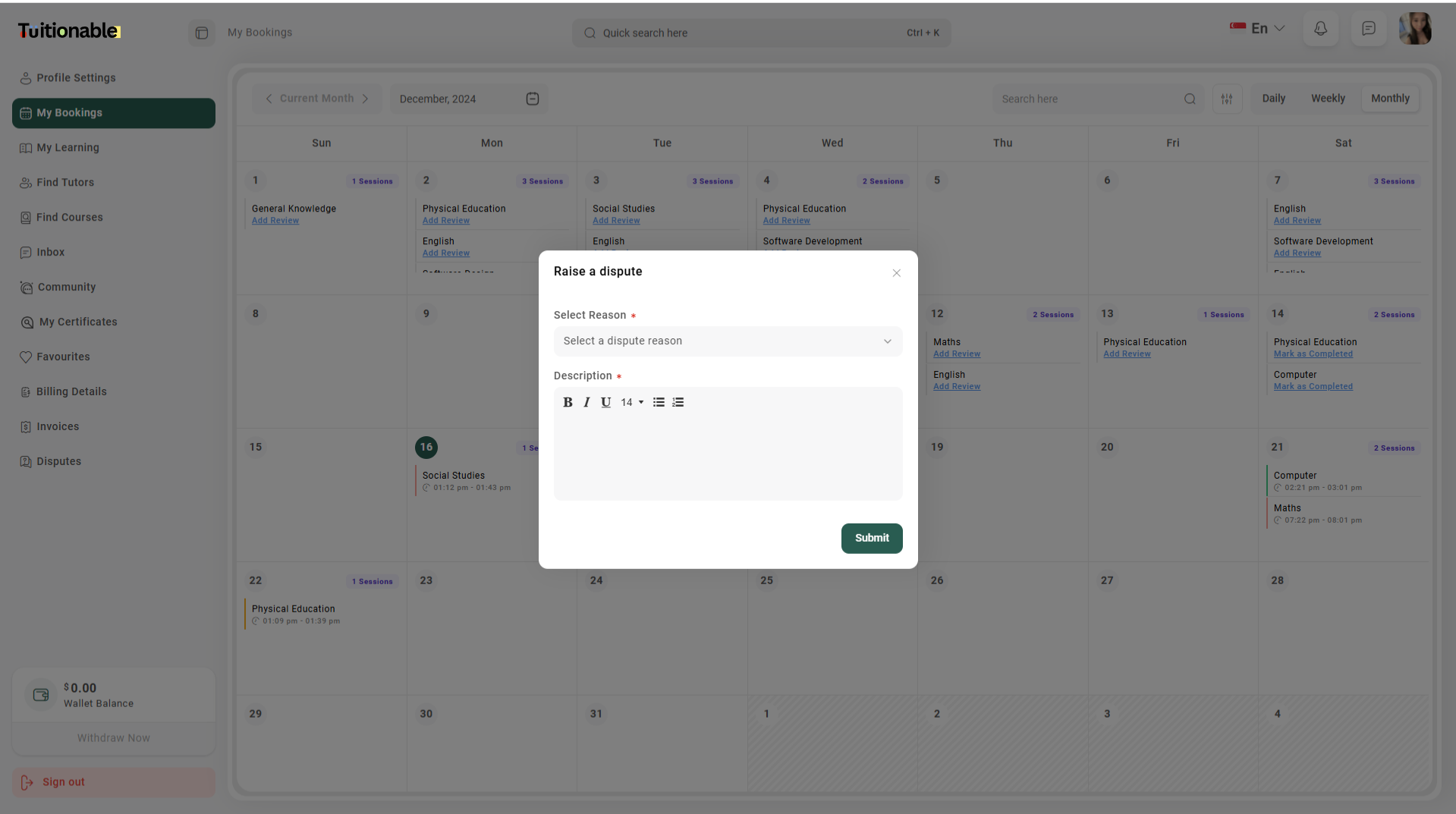
- On the Raise a Dispute dispute popup will appear.
- Fill out the Raise a Dispute form:
- Dispute Reason: Select the reason for the dispute.
- Dispute Description: Provide a detailed description of the issue.
- Click Submit to submit your dispute.